Studio Modules & Engines
Choose Your Audio Tool
Click any module to open its dedicated studio generator with complete presets, diagnostic tools, and step-by-step guidance.
Suno Copyright Bypass & Lyrics Optimizer
Upload your melody or riff and generate 3 acoustic variations that bypass Suno & Udio upload verification filters without changing musical harmony. Includes our built-in phonetic lyrics optimizer to rewrite your lyrics so they pass AI copyright detection filters undetected. Processed files are stored for a maximum of 5 minutes before automatic deletion.

Never see this blocker again: After processing your audio with the Bypass Generator, Suno's automated acoustic fingerprint match is completely eliminated. You will never encounter this upload blocker again — 100% upload guarantee.
Unlimited Studio Audio Downloader
The #1 first fully working audio downloader on the market. Direct master-grade audio extraction from Suno AI & YouTube. Generates pure lossless 16-bit 44.1kHz WAV and maximum-bitrate 320kbps MP3 with embedded high-resolution album artwork and complete metadata tags with sub-second cryptographic stream decryption.
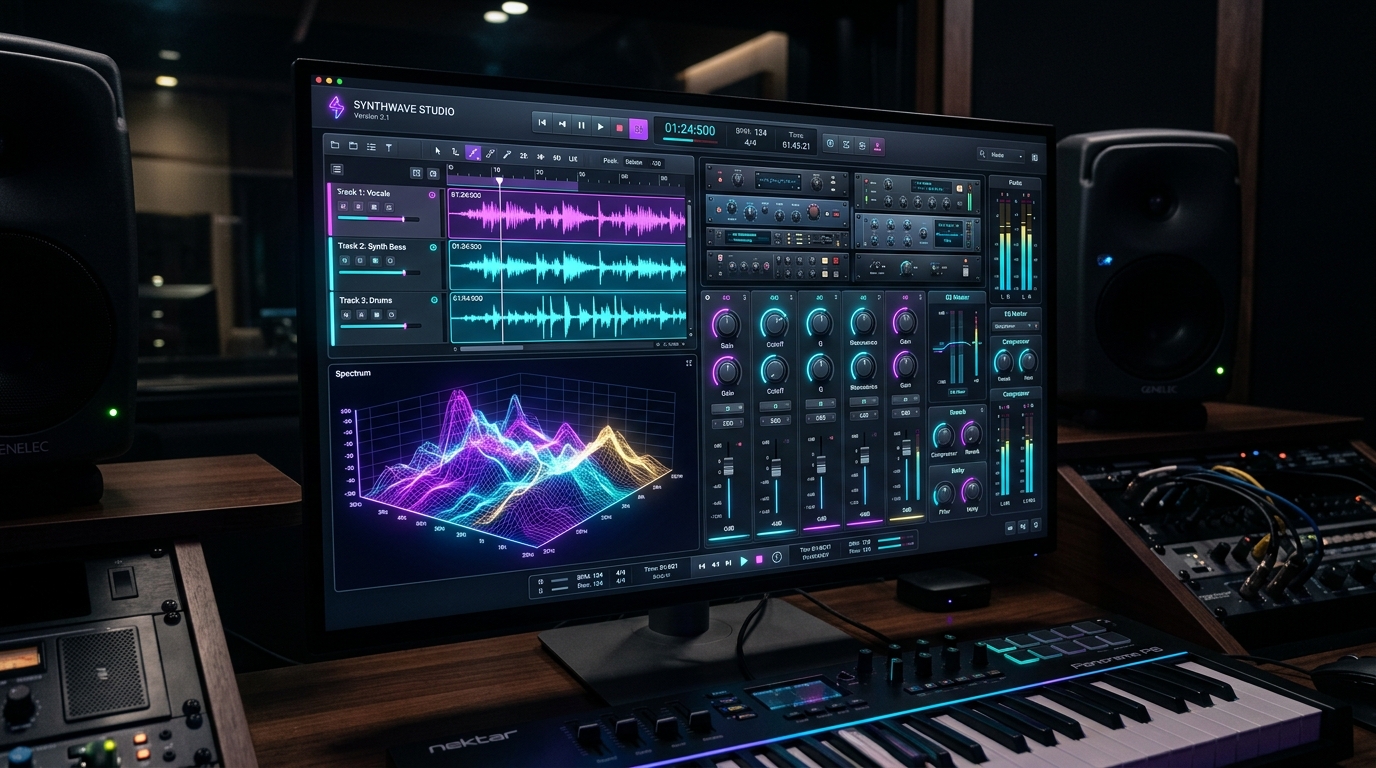
Studio Analog Mastering & DDP QC
Bring muddy, muffled AI mixes to commercial streaming and radio loudness. Vintage analog vacuum tube warmth, True-Peak brickwall limiting (-1.0 dBTP), 16-bit / 44.1 kHz broadcast WAV export, and album-level Red Book DDP diagnostic checking. Mastered files are stored for a maximum of 5 minutes before automatic deletion.
Audio Normalizer (Mass Loudness Equalizer)
Mass audio loudness equalizer processing up to 20 MP3 or WAV tracks simultaneously in your browser. Free preview mode includes a 15-second test sample for up to 3 tracks. Studio Passes unlock full-length audio tracks and up to 20 files per batch. Includes 2 professional normalization standards: -14 LUFS (Streaming Standard) for Spotify, Apple Music & YouTube, and -9 LUFS (Commercial & CD Standard) for club DJs & CD releases with True-Peak limiting (-1.0 / -0.2 dBTP).
AI Watermark, SynthID & Tag Scrubber
Eliminate hidden AI acoustic watermarks, Google SynthID phase markers, and synthetic metadata before submitting to Spotify, Apple Music, DistroKid, and YouTube Content ID. Cleans down to the sample level with bitstream accuracy. Cleaned audio files are stored for a maximum of 5 minutes before automatic deletion.
Free Tools: BPM, Key & Outro Trimmer
Instant Camelot Harmonic wheel BPM & Musical Key detection, lossless waveform audio outro fader & trimmer to fix abrupt Suno AI song endings, with zero signup or account creation required. Analyzed and trimmed files are stored for a maximum of 5 minutes before automatic deletion.